
Start with clarity, not a new set of promises
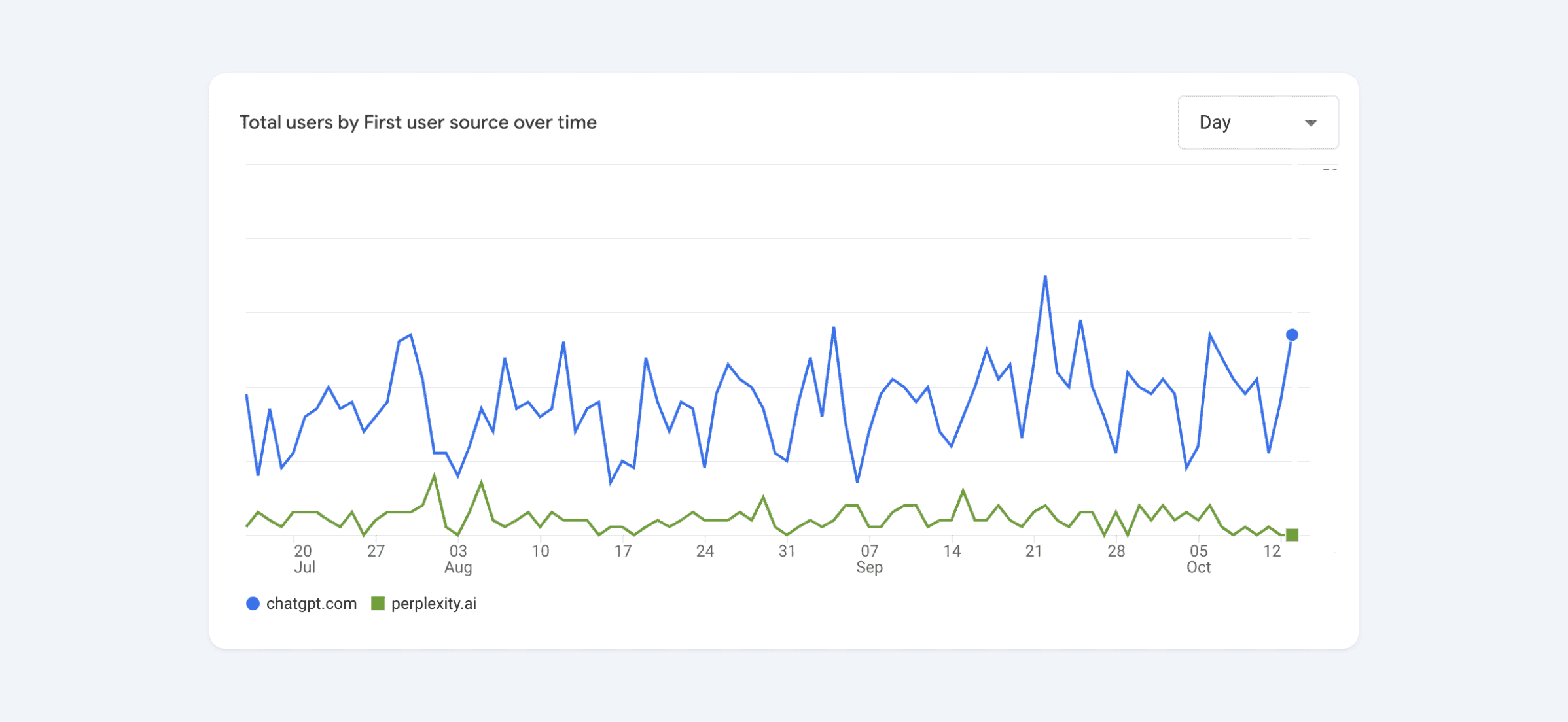
AI-assisted search adds another way for people to encounter a website. In Framer, the practical work remains familiar: publish useful material, make it accessible, and explain where factual claims come from. No formatting choice or schema implementation guarantees that an AI system will cite your site.
Strategy | Useful for readers | Useful for discovery |
Content Type | Clear, specific answers | Verifiable claims and accessible text |
Data Format | The format that best explains the idea | Semantic HTML and appropriate structured data |
Authority | Named authors and supporting evidence | Reliable, traceable sources |
Structure | A clear reading hierarchy | Descriptive headings and navigable links |
1. Make important claims easy to check
Specific, well-supported writing helps readers assess what you offer and gives search systems clearer material to work with. Begin with the questions your audience actually asks:
Use Concrete Data: If you have measured a result, describe the metric, period, and method. If you have not, explain the benefit without inventing a percentage.
Structured Formatting: Use Tables, Numbered Lists, and Comparison Blocks when they make the information easier to compare or follow. They are useful editorial tools, not guaranteed citation triggers.
Cite Your Sources: If you reference a statistic, link to the source or name the data origin (e.g., “According to Google Search Console data…”).
2. Implement CMS-Driven Schema (JSON-LD)
Structured data can help supported search systems interpret a page. Use a relevant schema type, keep it consistent with the visible content, and validate the implementation. It is not a substitute for useful copy.
Framer Advantage: Use Framer’s Code Injection to add JSON-LD schema to your pages.
FAQ Schema: Mark up genuine questions and answers only where appropriate. FAQ markup does not guarantee rich results or inclusion in AI summaries; eligibility and support vary by search provider.
3. Build a useful body of knowledge
Publish related pages when each has something distinct to offer. A smaller set of well-maintained guides is more useful than a large collection of near-duplicate pages created for search alone.
CMS Collections: Use Framer CMS to organise guides, case studies, or service information. Give each entry a clear purpose and maintain it as the subject changes.
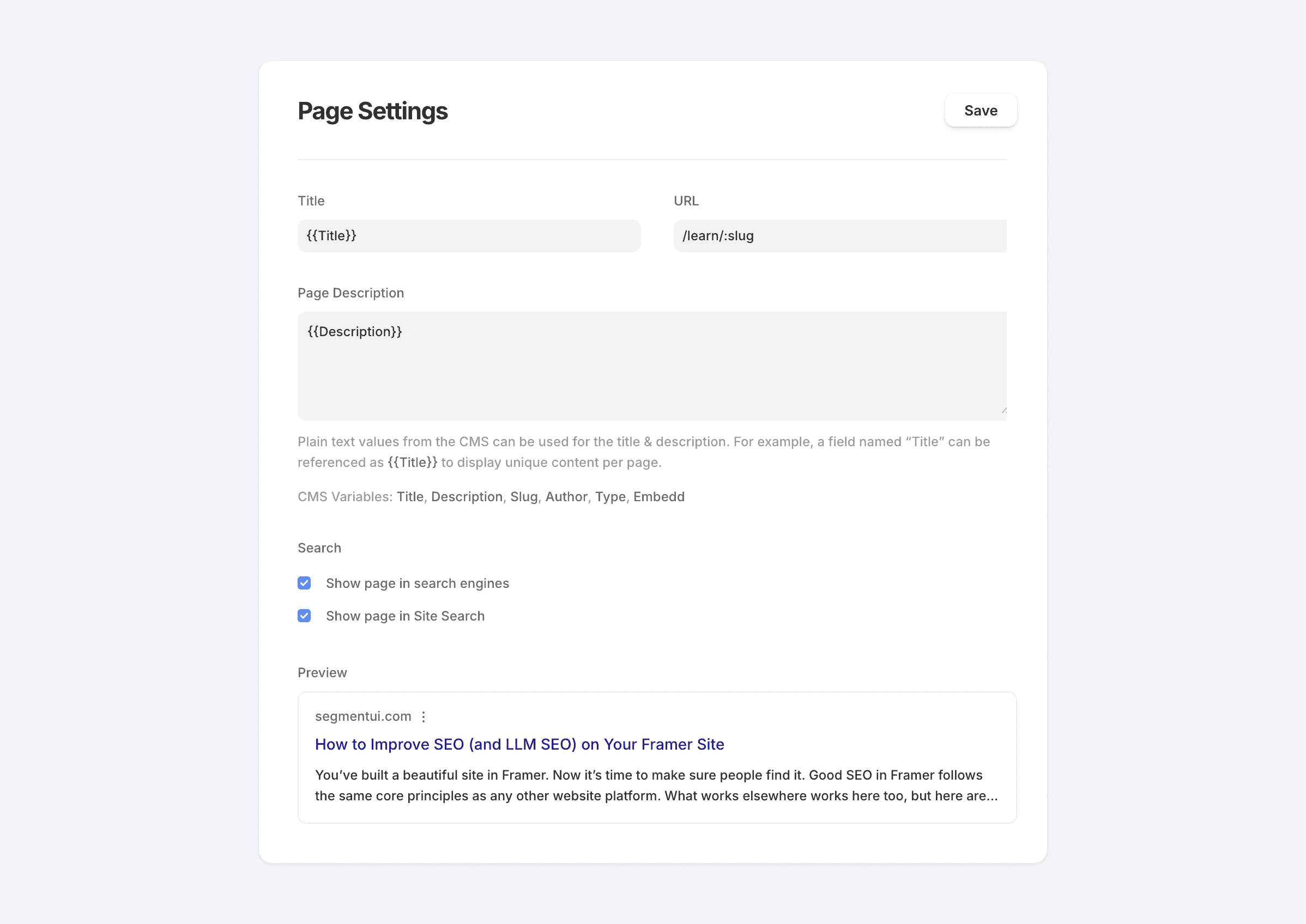
Dynamic Metadata: Connect CMS fields to descriptive page titles and summaries. A pattern such as
{{Guide title}} | Studio notescan keep titles consistent, but each page still needs original, useful content.
4. Build tools only when they solve a real problem
A calculator, comparison tool, or practical reference can give people a reason to return. Begin with the need it serves, rather than the links it might attract.
Custom Code Components: Use Framer’s React-based code components to build calculators, ROI estimators, or generators.
The responsibility: Explain assumptions, make results accessible, and plan for maintenance. A useful tool may earn references, but it carries no promise of traffic or AI visibility.
Where this goes wrong
Machine-readable structure and good design should reinforce one another. Use descriptive headings, meaningful links, accessible content, and a logical reading order. Do not hide the explanation inside an animation or rely on visual effects to make the page intelligible.
Custom schema and interactive tools add implementation and maintenance work. Invest where they serve the content and the audience. Track search referrals and any citations you can observe, but treat results as evidence to review, not a promise to sell.
A clearer website starts with the right questions. Let’s talk about yours.

Let’s keep in touch.
Notes on design decisions, useful systems, and work in progress. Follow AethrDesign on LinkedIn and X.